- Left and Right, or A and D: slide the falling crate
- Up or X: rotate clockwise. Z or Left Control: rotate the other way
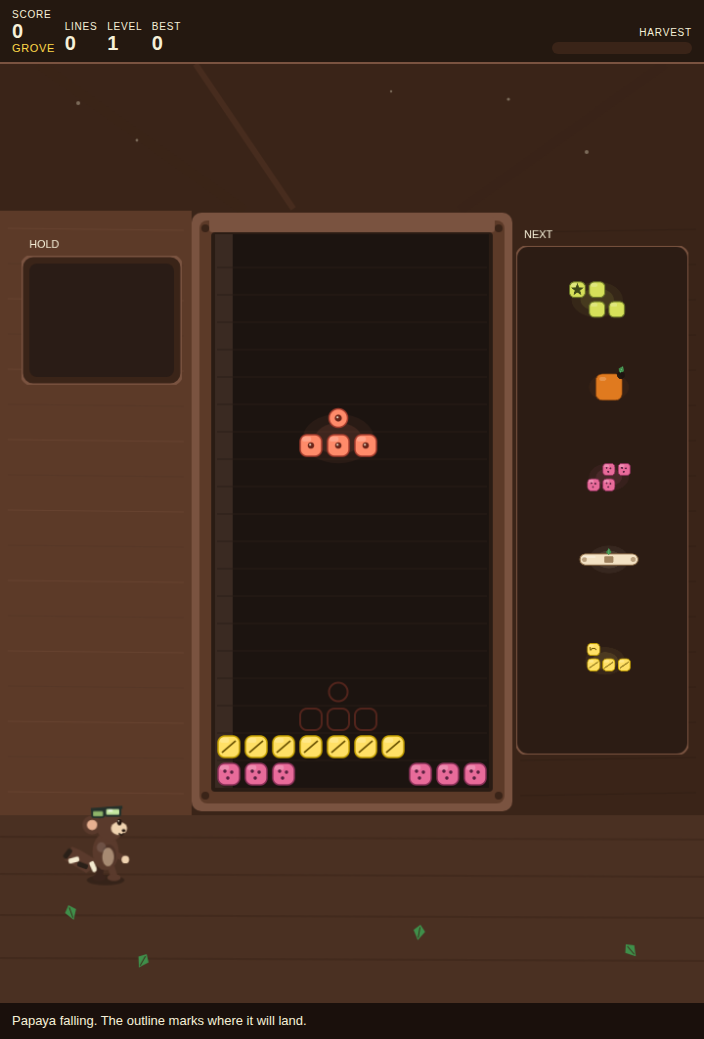
- Down or S: soft drop. Space: hard drop onto the outline
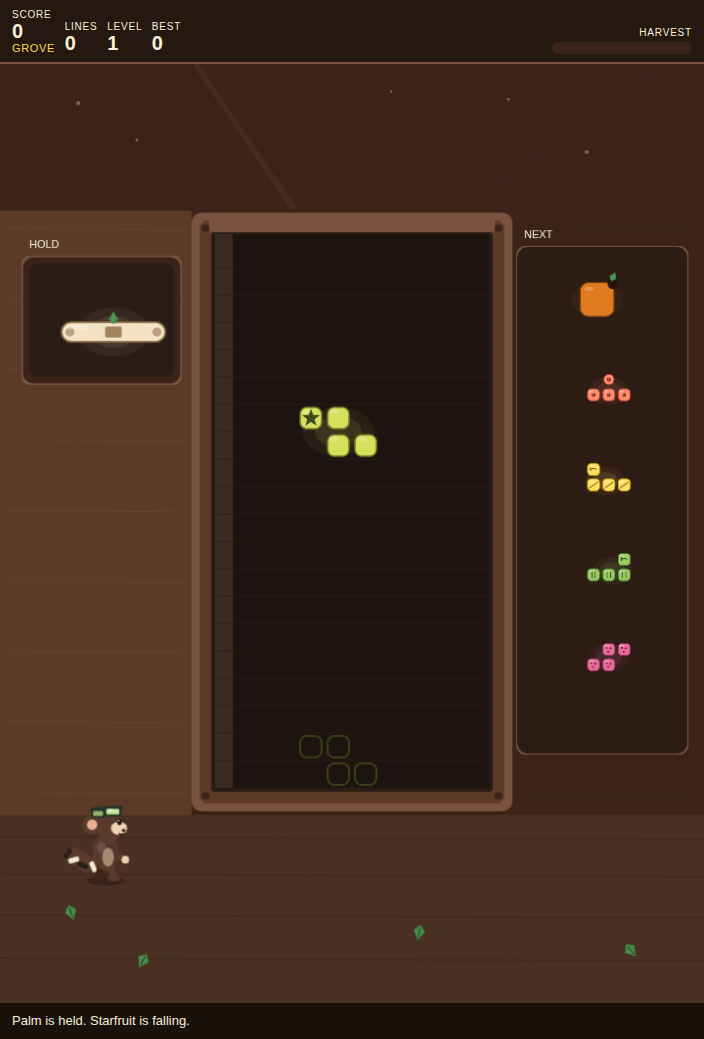
- C or Shift: hold one crate
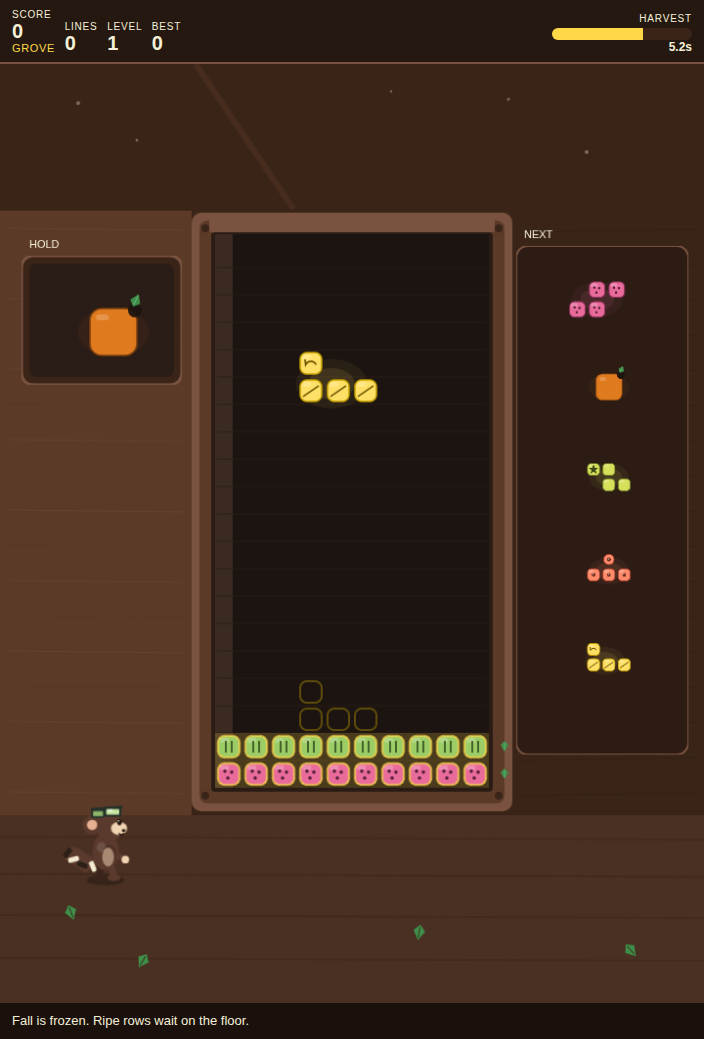
- V: start Harvest when the meter is full, in the grove
- P or Escape: pause
- R: restart (asks to confirm during a run)
- M: mute
- F: fullscreen
- Gamepad: D-pad or left stick slides; A rotates clockwise; B rotates the other way; X holds; Y starts Harvest; D-pad down soft-drops; D-pad up hard-drops; Start pauses; Back mutes
- Touch: drag sideways to slide; tap to rotate; drag down to soft drop; swipe down to drop; swipe up or tap Hold to hold; tap the full Harvest meter to harvest; tap the score bar to pause; on a phone, Customize controls in the pause menu puts Hold on either side and flips which way Next reads
- Settings: ghost, hold, Harvest, lock delay, speed, preview, breezy grove, volumes, screen shake, high contrast
Use the controls listed above. Fullscreen availability depends on the game and browser.
Accessibility
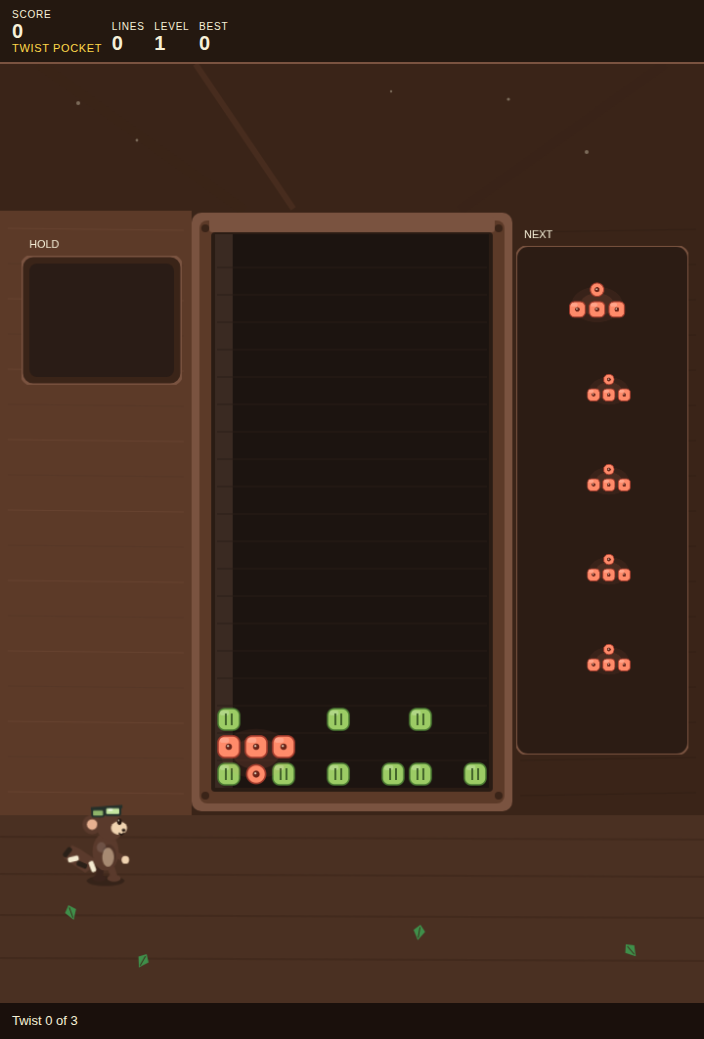
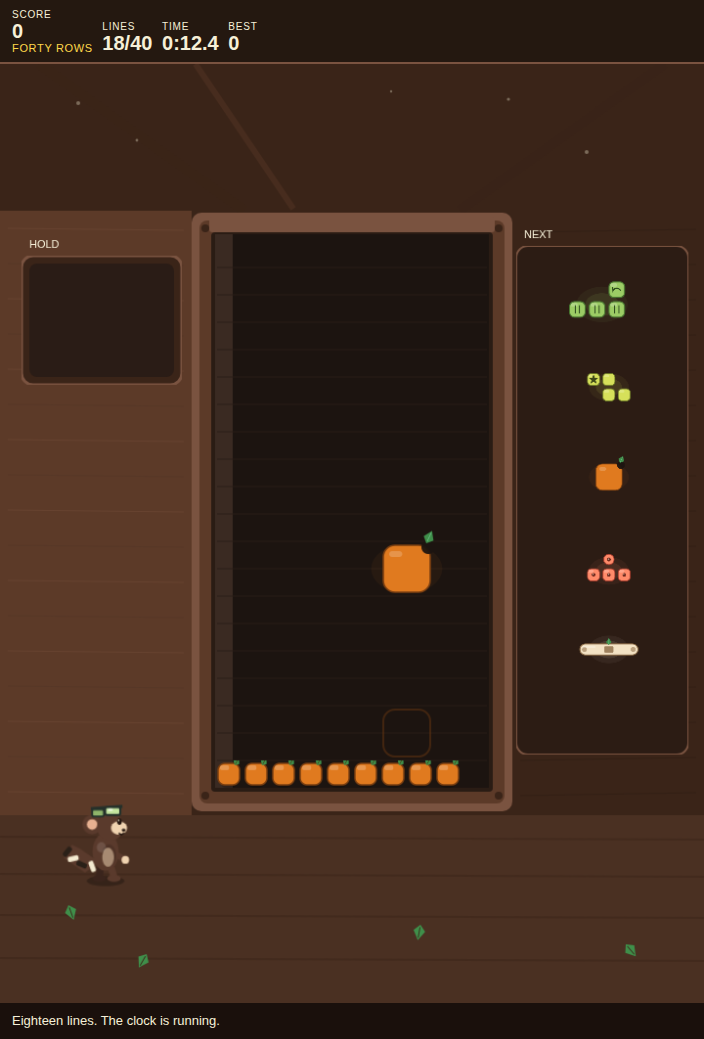
This is a visual puzzle and is not playable with a screen reader alone. The seven fruits differ by shape, not only by color. Menus use real buttons with visible keyboard focus. Press P or Escape, or tap the score bar, to open the pause menu for restart, sound, fullscreen, settings, and controls. The playfield resizes to the available window. A status region announces holds, row clears, Harvest, twists, level changes, pause, and results. Reduced motion disables screen shake and decorative animation. Optional assists cover a gentler fall, a longer lock delay, and a breezy grove that clears the top rows instead of ending the run. Sound is off until you turn it on, and music and effects have separate volumes.
Released 2026-10-01 · v1.0.0 · 3:4