

From the studio ·
Take the arcade with you: install it and play offline
Every game in the arcade works without a connection. Here is how to add Cool Monkey Games to your phone or computer, and what happens to your runs and stars while you are offline.
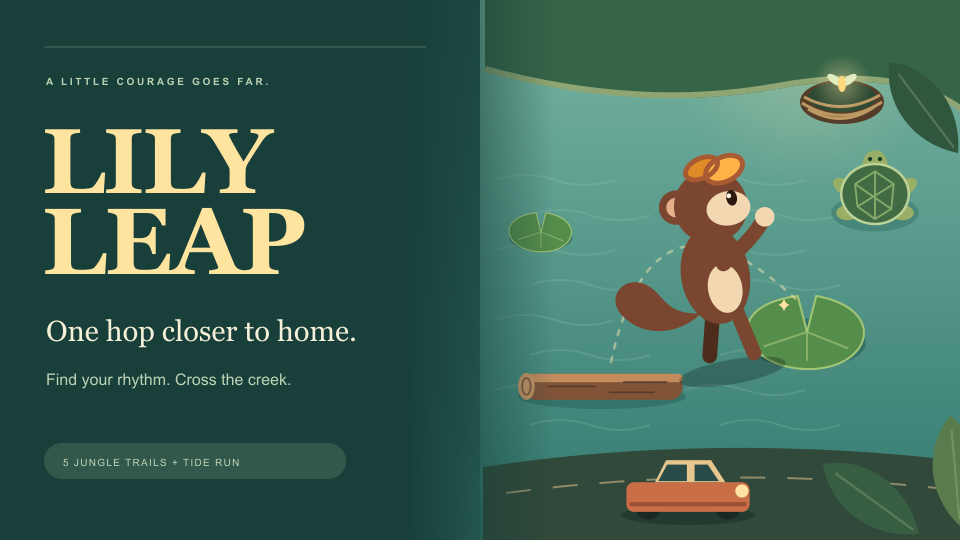
All twelve games now have a spotlight and a field guide, so today we’re stepping out of the games and into the arcade itself. Something many players haven’t spotted yet: every game here works with no internet at all. On a plane, on a train through a tunnel, or on a phone with no signal, the whole arcade still plays.
Here’s how to set it up, and what happens to your runs and stars while you’re away.
Add it to your home screen
The arcade can be installed like an app. It opens in its own window, without the browser’s address bar, and gets its own icon:
| Device | How to install |
|---|---|
| iPhone or iPad | In Safari, tap Share, then Add to Home Screen |
| Android | In Chrome, open the ⋮ menu and choose Install app |
| Computer (Chrome or Edge) | Click the install icon at the right end of the address bar |
The exact wording can change a little between browser versions, but it’s always near the share or menu button.
Tip: once it’s installed, open the arcade from the new icon at least once while you’re online. That’s when it finishes saving everything for later.
What gets saved
When you visit, the arcade quietly saves a copy of itself in the background. That copy includes:
- Every game, not just the ones you’ve played.
- Every game page, with its how-to-play guide.
- The home page and the games list, so you can browse as normal.
It saves a few files at a time, so it won’t hog your connection. When we release an update, only the files that changed are downloaded again.
Online, you always get the live site. The saved copy only steps in when the network is gone, or when the connection is so slow that waiting would be worse.
Playing offline
Open the arcade with no connection and it works just like it does online. Pick a game, play a run, and try to beat your best.
If you’re signed in, everything you do offline is kept on your device:
- Runs you finish are saved and sent to your account later, including any that qualify for a top 10.
- Star goals you reach are counted straight away, so your total and badges update while you play.
When the connection comes back, the arcade syncs it all in the background and shows “Synced what you played offline.” If you’ve been signed out in the meantime, it asks you to sign in first, and holds on to everything until you do.
If you’re not signed in, your best scores are saved in that browser, just like they are online.
A few things to know
- The leaderboards need a connection. Top 10 lists can’t update while you’re offline. A qualifying run shows up on the board once it syncs.
- Each browser keeps its own copy. An iPhone home screen icon and Safari itself store things separately, so install once and stick to the icon.
- Clearing site data clears the offline copy. It downloads again on your next visit, but any runs that hadn’t synced yet are lost, so reconnect first.
Why we built it
The arcades we grew up with never needed a password or a download. You walked up, put in a coin and played. A browser game that stops working the moment the signal drops felt like the opposite of that. So now the arcade comes with you, and it’s still free.
More from the studio
Field guide /
Fizz Lagoon: letters, grottos and beating the tide
Hints and how to play for Fizz Lagoon, from tide timings and the clean-clear bonus to spelling SPLASH, beach pickups, the conch, wave bubbles, grottos and every critter.
Field guide /
Banana Signal: boost dashes, streaks and the long run
Hints and how to play for Banana Signal, from survival points and the boost dash multiplier to banana streak rewards, salvage and making three lives last.